
Capture
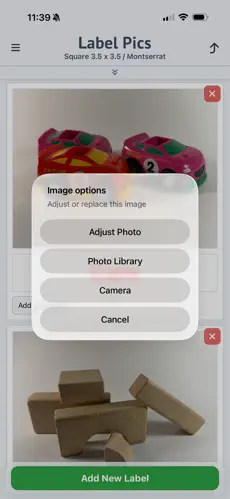
Take a photo or choose from your library.
Label Pics for iPhone
Classroom labels with pictures, bin labels, and pocket chart cards from one calm workflow.
Take a photo or choose from your library.
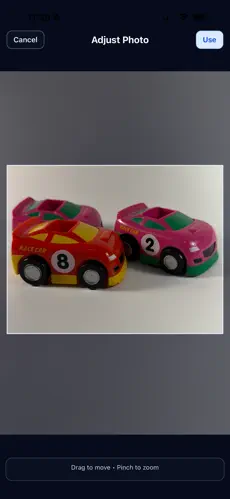
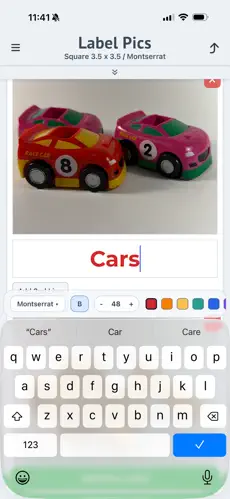
Adjust image framing and text in seconds.
Export a PDF and print with standard settings.

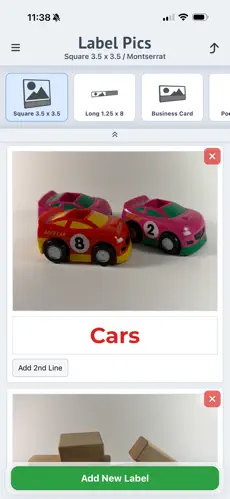
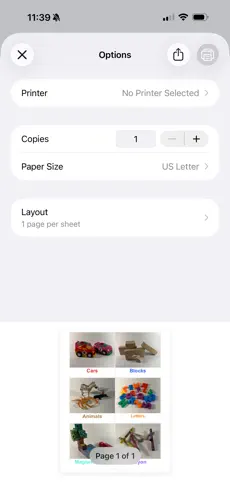
Make visual labels for bins, shelves, cubbies, and centers with real photos learners understand instantly.
Create picture-based organization labels for toys, pantry zones, craft storage, and shared family spaces.
Yes. Label Pics works for bins, shelves, cubbies, and centers.
Yes. You can create pocket chart cards and photo name tags from your own images.
Export a PDF from the app and print using standard printer settings.